Your smart treadmill just displayed another error message. Your interactive bike’s touchscreen is flickering again. Sound familiar? You’re not alone – and more importantly, you’re probably making some common maintenance mistakes that are shortening your equipment’s lifespan and draining your wallet.
Smart gym equipment represents a significant investment, combining cutting-edge technology with traditional mechanical components. When these sophisticated machines break down, it’s usually due to preventable maintenance oversights that compound over time. The good news? Most of these issues are completely avoidable once you know what to look for.
Mistake #1: Treating Smart Equipment Like Regular Gym Equipment
Here’s the thing most gym owners get wrong – smart fitness equipment isn’t just a treadmill with a screen slapped on it. These machines have complex electronic systems, sensors, Wi-Fi connectivity, and software that requires entirely different maintenance approaches than traditional equipment.
The Fix: Develop separate maintenance protocols for your smart equipment. While your regular treadmill might only need mechanical checks and cleaning, smart equipment requires software updates, sensor calibration, connectivity checks, and specialized electronic component care. Create a dual-track maintenance system that addresses both mechanical and digital needs.
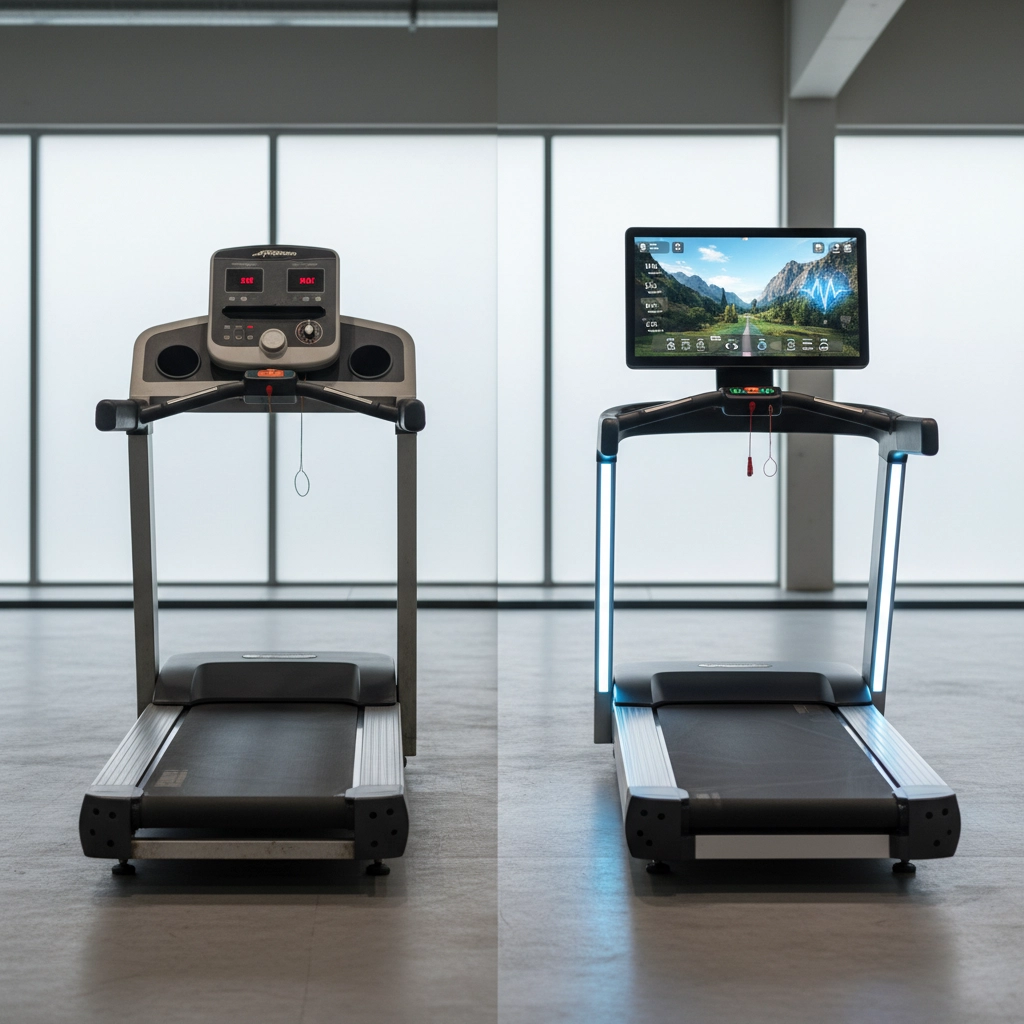
Mistake #2: Skipping Software Updates and Firmware Patches
This one’s huge, and it’s something most people completely overlook. Smart gym equipment runs on software – and just like your smartphone, that software needs regular updates. Skipping these updates doesn’t just mean missing new features; it can lead to security vulnerabilities, connectivity issues, and system crashes.
The Fix: Set up automatic updates whenever possible, or create a monthly schedule to manually check for and install updates on all smart equipment. Keep a log of what updates were installed and when. If your equipment doesn’t connect to Wi-Fi, check with manufacturers quarterly for firmware updates that might need manual installation.
Mistake #3: Ignoring Environmental Factors That Kill Electronics
Traditional gym equipment can handle a lot of environmental stress, but smart equipment? Not so much. Excessive humidity, temperature fluctuations, dust buildup, and poor ventilation can wreak havoc on electronic components, sensors, and touchscreens.
The Fix: Monitor your gym’s environmental conditions religiously. Keep humidity levels between 40-60%, maintain consistent temperatures, and ensure proper ventilation around all smart equipment. Install dust covers during off-hours and check air filters monthly. Pay special attention to equipment placed near windows, doors, or HVAC vents where environmental conditions might be more extreme.
Mistake #4: Using the Wrong Cleaning Products on Electronic Components
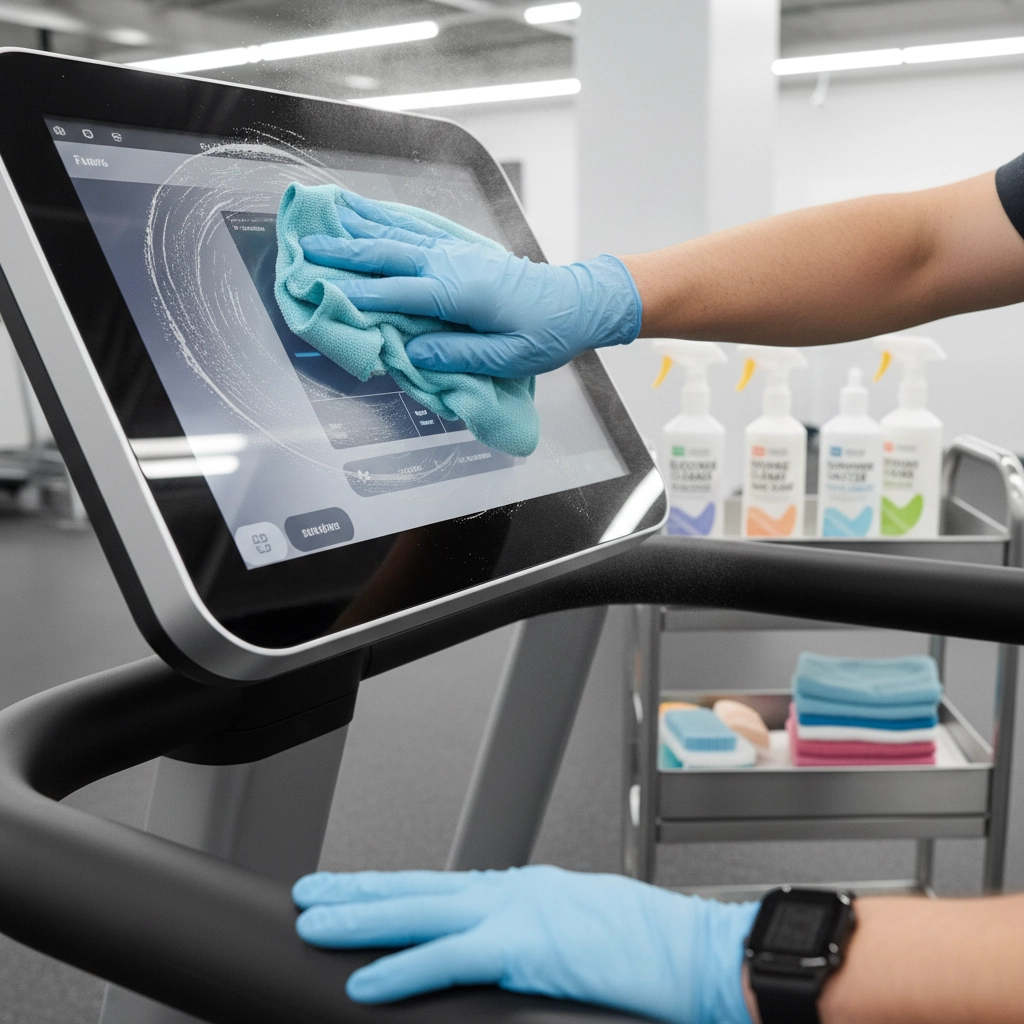
We see this mistake constantly – gym staff using harsh disinfectants or generic cleaners on touchscreens, sensors, and electronic displays. These components often have special coatings that can be permanently damaged by ammonia-based cleaners or abrasive products.
The Fix: Use only manufacturer-approved cleaning products for electronic components. For most touchscreens and displays, alcohol-based, non-abrasive cleaners work best. Keep different cleaning supplies clearly labeled – one set for mechanical components, another for electronics. Train all staff on which products to use where, and when in doubt, stick to gentle, electronics-safe cleaners.
Mistake #5: Neglecting Sensor Calibration and Connectivity Issues
Smart gym equipment relies heavily on sensors for heart rate monitoring, motion detection, resistance adjustment, and safety features. When these sensors drift out of calibration or lose connectivity, it doesn’t just affect user experience – it can create safety hazards and accelerate wear on mechanical components.
The Fix: Establish monthly sensor calibration checks for all smart equipment. Test heart rate monitors, motion sensors, resistance sensors, and safety mechanisms regularly. Document baseline readings and track any drift over time. For connectivity issues, maintain a troubleshooting checklist that covers Wi-Fi strength, network congestion, and router placement.
Mistake #6: Overlooking Data Storage and Memory Management
Here’s one most people never think about – smart gym equipment collects and stores massive amounts of user data, workout logs, and system diagnostics. When storage gets full or memory becomes fragmented, equipment performance suffers dramatically.
The Fix: Regularly clear old workout data and system logs according to manufacturer guidelines. Monitor available storage space monthly and set up automatic data purging where possible. For equipment that stores data locally, consider upgrading storage capacity if you’re hitting limits frequently. Always follow data privacy regulations when handling or disposing of user information.
Mistake #7: Failing to Plan for Technology Obsolescence
This is the big one that catches most gym owners off-guard. Smart equipment becomes technologically obsolete faster than traditional equipment. Apps get discontinued, operating systems stop supporting older hardware, and replacement parts for electronic components become unavailable much sooner than mechanical parts.
The Fix: When purchasing smart equipment, research the manufacturer’s track record for long-term support and backwards compatibility. Factor technology refresh cycles into your equipment budgets – plan for major updates or replacements every 5-7 years rather than the 10-15 years you might expect from traditional equipment. Keep detailed records of software versions, compatibility requirements, and support timelines for each piece of equipment.
Creating a Smart Equipment Maintenance Culture
The key to avoiding these mistakes isn’t just following a checklist – it’s building a maintenance culture that recognizes smart gym equipment as the sophisticated technology it really is. This means training staff differently, budgeting differently, and thinking about maintenance as an ongoing technology management process rather than simple mechanical upkeep.
Start by designating at least one team member as your “smart equipment specialist” who stays current on technology trends, software updates, and troubleshooting techniques. This person becomes your go-to resource for all technology-related equipment issues and can spot problems before they become expensive repairs.
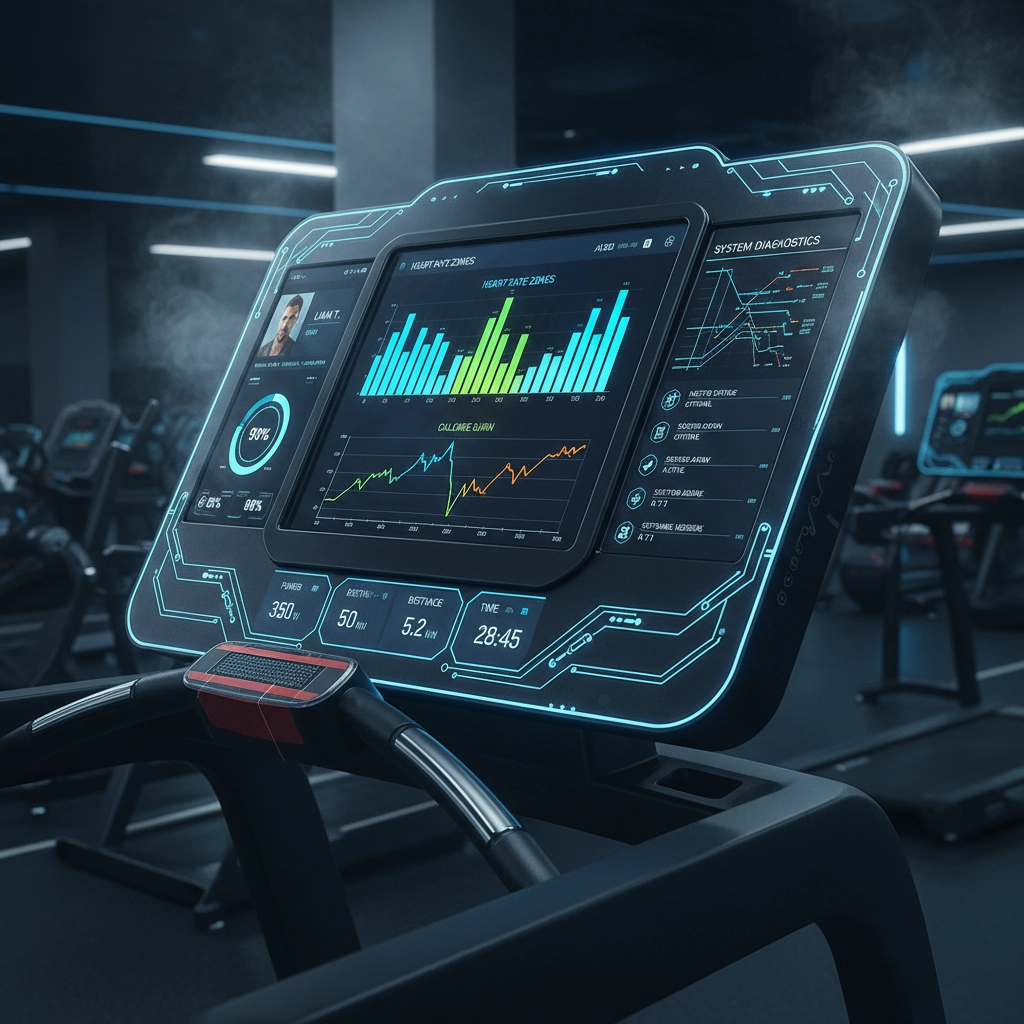
Document everything. Smart equipment generates data about its own performance – use that information to predict maintenance needs and spot trends before they become problems. Many smart machines can tell you exactly what’s wrong if you know how to read their diagnostic systems.
The Bottom Line
Smart gym equipment maintenance isn’t harder than traditional maintenance – it’s just different. By avoiding these seven critical mistakes and treating your smart equipment like the sophisticated technology it is, you’ll dramatically extend equipment lifespan, reduce unexpected downtime, and provide members with consistently reliable, high-tech workout experiences.
Remember, every error message is your equipment trying to communicate with you. Every software update is an opportunity to improve performance and prevent problems. And every maintenance check is an investment in keeping your gym running smoothly and your members happy.
The fitness industry is moving toward smarter, more connected equipment whether we’re ready or not. The gyms that master smart equipment maintenance now will have a significant competitive advantage – and much lower repair bills – in the years ahead.
 Heartbeat Fitness Repair
Leave a comment